01
Days 1-2
Make the workspace safe to use
Confirm users, roles, timezones, calling windows, providers and the first bounded campaign or queue.
Proof to move on: Admin setup is complete and the pilot group can see only the work it should perform.
Use a bounded pilot, visible proof and progressive activation. The goal is not to switch on every feature; it is to create one working rhythm the team will keep.
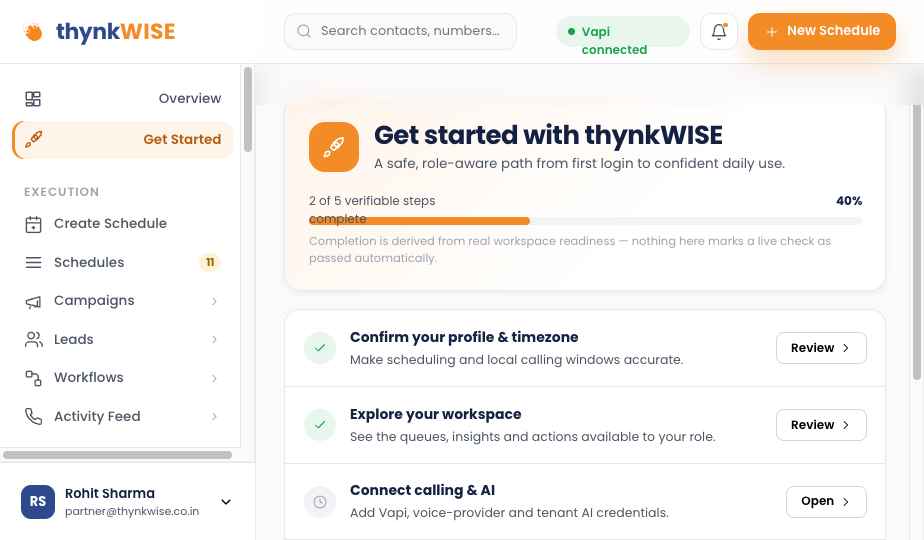
The in-app path separates profile, workspace, provider, channel and first-workflow readiness so teams know what is genuinely ready for daily use.
Each phase has a proof point so the rollout can pause, correct and continue without pretending activation equals adoption.
Confirm users, roles, timezones, calling windows, providers and the first bounded campaign or queue.
Run the queue, call with context, complete the mandatory disposition and schedule the next action before moving on.
Review team performance, missed follow-ups and conversation signals. Enable browser live assist only on eligible routes.
Expand the queue, add a workflow or introduce one bounded AI use case with clear human handoff and measurement.
The Chrome workflow is a Coach and Command layer, not a prerequisite for adoption. Activate it for eligible browser callers, verify two-sided audio, then coach from real evidence.
See Coach and Command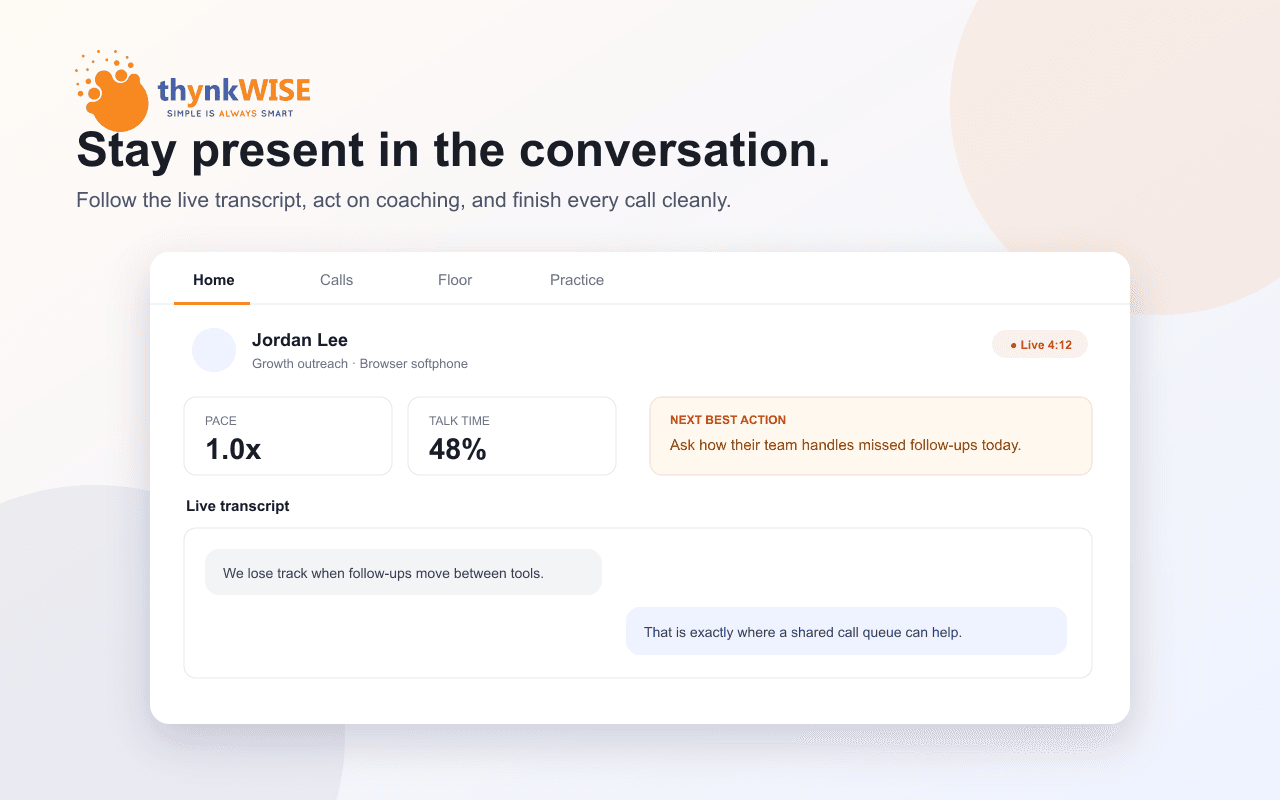
Keep it. Calling Engine is the execution layer around the conversation and can connect the call outcome back into supported CRM workflows.
Start with the Call workflow. Handset routes still get queue, context, disposition and follow-up; live two-sided browser transcription is not falsely promised.
You do not need to be. Call and Coach create value without AI voice orchestration, and Command can be added when the process and governance are ready.
The rollout uses observable workflow proof at every phase, so access expands only after the daily habit is visible.
The three-question score recommends Call, Coach or Command and gives you the first move to discuss with the pilot team.